


1. Cash App to Bitcoin
Cash App allows you to buy Bitcoin directly inside the app
and send it to the address shown at checkout.
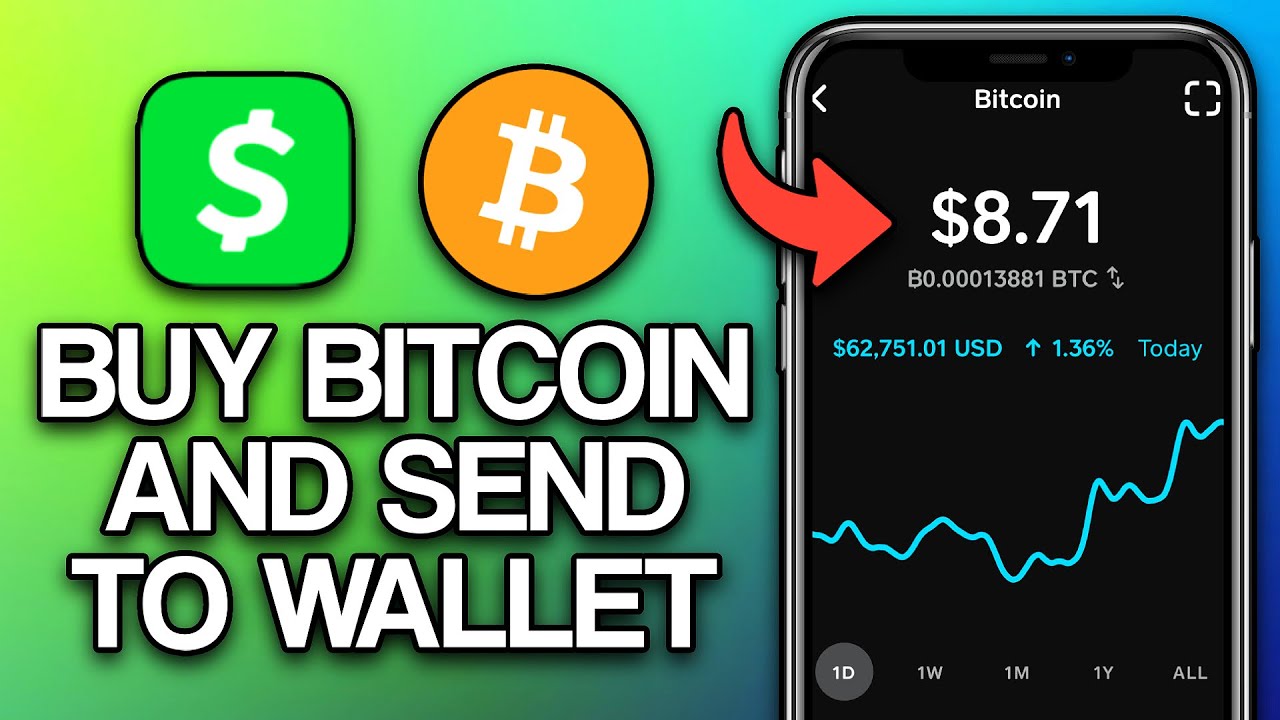
Steps
- Open Cash App and go to Bitcoin
- Buy the required amount
- Please use the Bitcoin wallet address that is displayed to you at the time of checkout.
- Confirm and complete the payment
2. Zelle to Bitcoin
Zelle can be used to transfer funds to a Bitcoin-enabled platform
where you can buy Bitcoin and send payment.
Steps
- Send funds using Zelle
- Buy Bitcoin with the transferred amount
- Please use the Bitcoin wallet address that is displayed to you at the time of checkout.
- Save the transaction ID if needed
3. Venmo
If crypto is enabled on your Venmo account,
you can send Bitcoin directly to an external wallet.
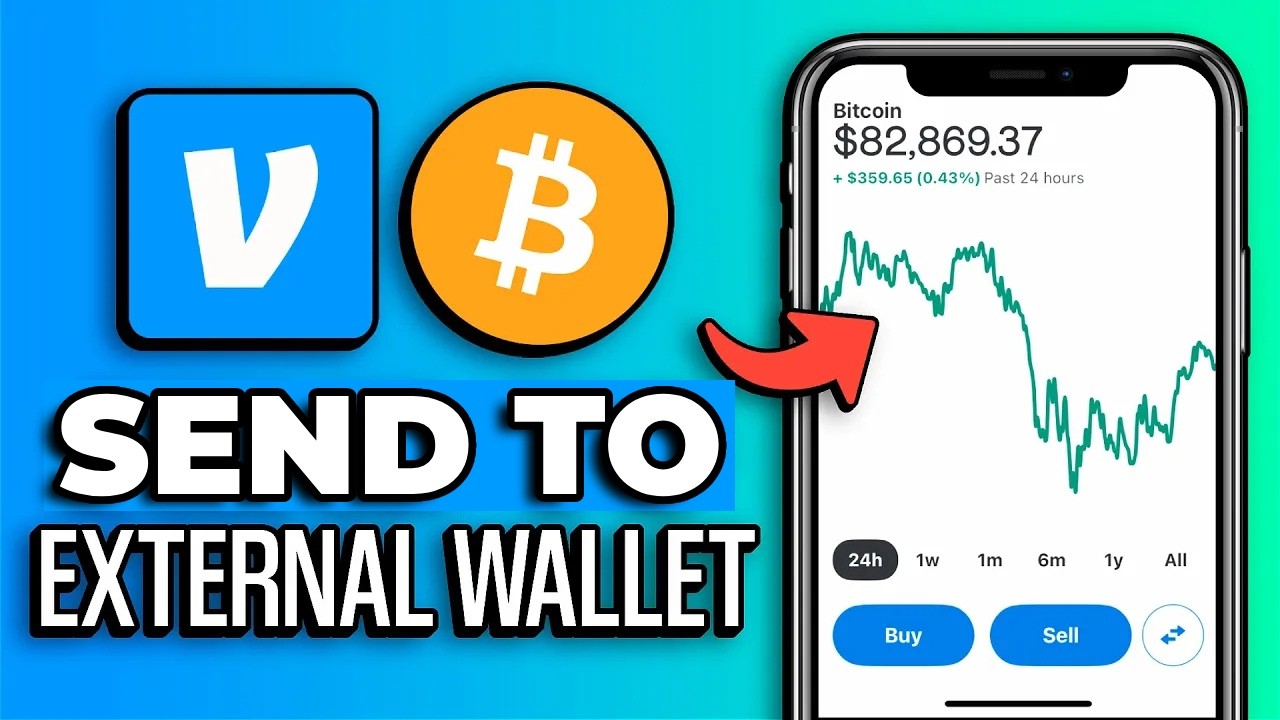
Steps
- Open Venmo and go to Crypto
- Select Bitcoin and choose send
- Please use the Bitcoin wallet address that is displayed to you at the time of checkout.
- Confirm the transaction
4. Bitcoin.com Wallet
Bitcoin.com Wallet is a simple option for storing Bitcoin
and sending payments securely.
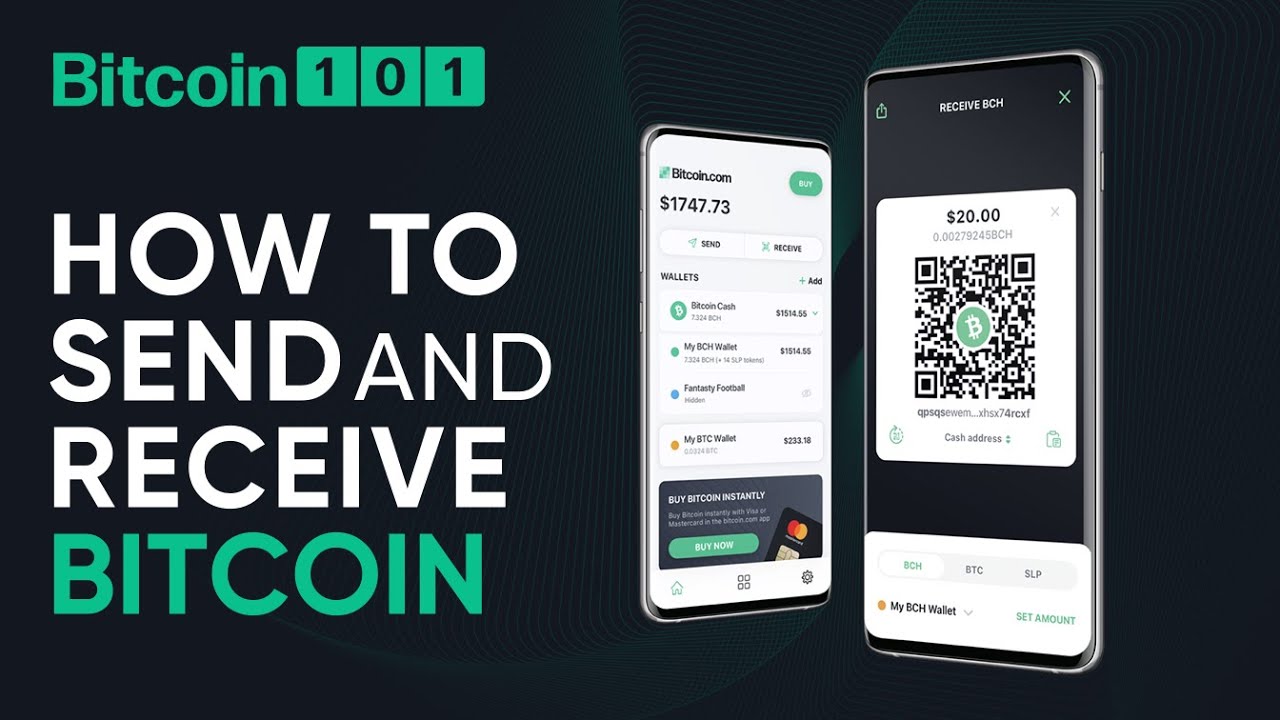
Steps
- Open the Bitcoin.com Wallet
- Select Bitcoin and tap send
- Please use the Bitcoin wallet address that is displayed to you at the time of checkout.
- Confirm and complete payment